The short answer
Pick UptimeRobot if
You want a witness outside your own network. If your infrastructure goes down, the monitor is still up and still alerting. 50 monitors free, nothing to run.
Pick Uptime Kuma if
You already run a VPS. Unlimited monitors, 20-second checks, and reach into private networks — free software whose real price is maintenance.
| UptimeRobot | Uptime Kuma | |
|---|---|---|
| Price | free tier €0 paid from €9/mo (Solo) | MIT, no paid tier you pay for the server |
| Monitors | 50 free · up to 500 on Scale | no built-in limit bounded by your hardware |
| Fastest check | 5 min free · 60s Solo 30s Team · 15s Scale | every 20 seconds |
| Runs on | UptimeRobot's own servers | your server · Docker or Node.js 20.4+ |
| Alerting | SMS, phone calls, hosted status pages, Zapier & PagerDuty (paid) | 90+ notification channels status pages on your server |
| Blind spot | internal services behind a firewall | goes silent if its own server dies |
Checked 19 August 2026 against UptimeRobot's pricing page and the Uptime Kuma project. Kuma is free software; the server it runs on is not.
The trade-off in one line
UptimeRobot checks your sites from its own servers, so if your entire network goes down, you still get alerted, because the monitor isn't sitting inside your own infrastructure. Uptime Kuma runs wherever you put it, which means it's free forever and fully under your control, but if the server hosting Kuma goes offline along with the thing it's monitoring, you get silence instead of an alert. That single architectural difference should decide which one you pick before price does.
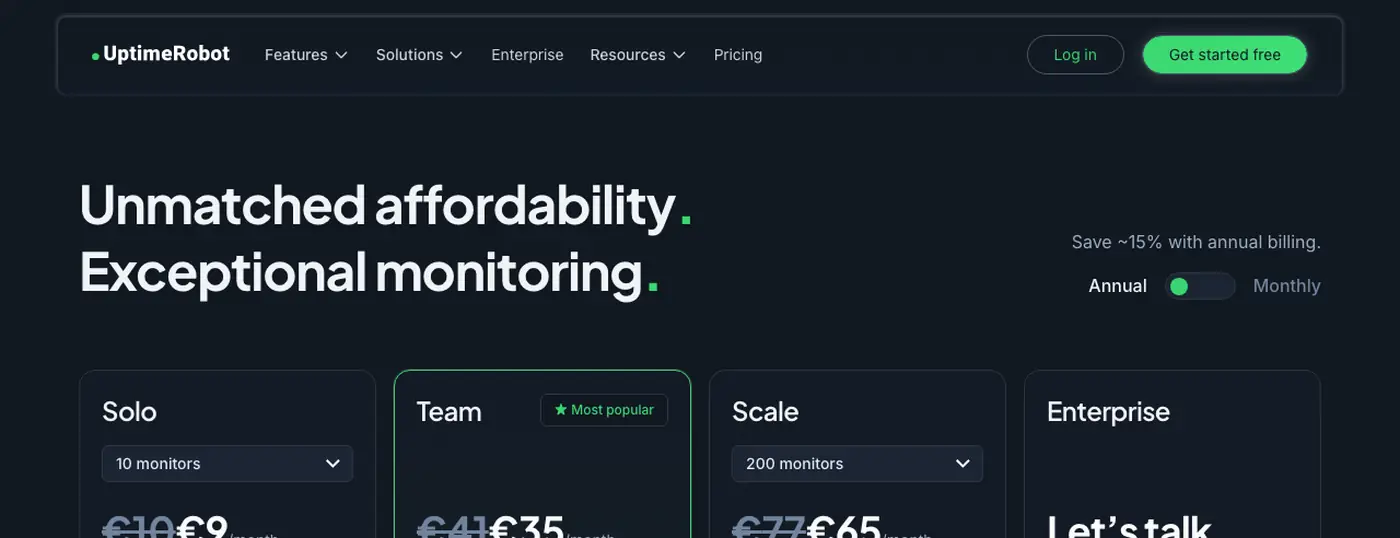
UptimeRobot pricing
UptimeRobot's current plans, billed annually:
The free plan alone covers most personal projects and small sites: 50 monitors is enough for a handful of services plus their SSL certificates and DNS records. The paid tiers exist mainly to buy a faster check interval and status pages, not to unlock monitoring that's otherwise missing. Figures checked against uptimerobot.com/pricing on 19 August 2026, billed annually; monthly billing costs more at every paid tier.
Uptime Kuma, the cost of "free"
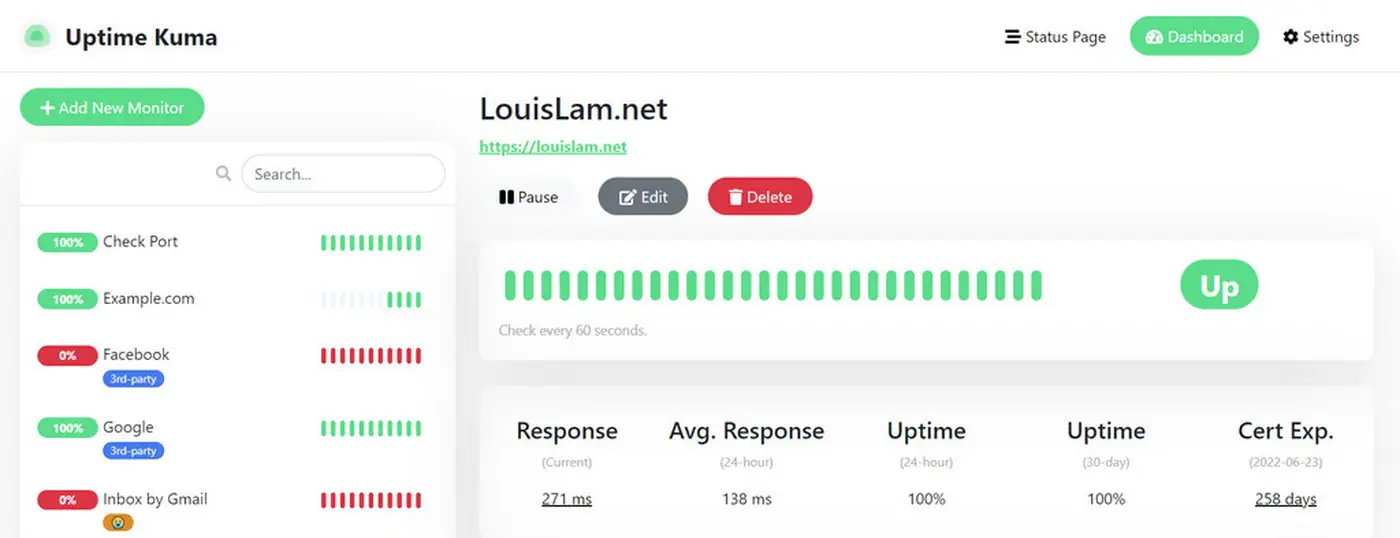
Uptime Kuma is built by Louis Lam and released under the MIT license, with no paid tier at all and roughly 90,000 stars on GitHub as of August 2026, one of the more heavily used self-hosted monitoring tools around. It runs as a Docker container, or as a Node.js process (Node.js 20.4 or newer) managed with something like PM2 on a server you control, most commonly a small VPS. There's no monitor limit built into the software and checks can run as often as every 20 seconds; the only ceiling is what your server's CPU and network connection can handle.
The real cost isn't money, it's maintenance. You're responsible for keeping the container updated, backing up its database, and making sure the server itself has enough uptime to be a reliable witness for everything else. If you already run a VPS for other things, adding Kuma costs nothing extra. If you don't, you're taking on server administration specifically to save a monitoring subscription that might cost less than the VPS itself.
Feature differences beyond price
UptimeRobot includes hosted status pages, phone call and SMS alerts, and integrations like Zapier and PagerDuty out of the box on paid tiers, all without you running anything. Uptime Kuma supports over 90 notification channels through its own integrations (Telegram, Discord, Slack, email, and dozens more via community-maintained providers) but status pages and everything else run on your server, so they inherit that server's uptime.
Kuma also monitors things a purely external service can't easily reach: internal services on a private network, local Docker containers, or anything behind a firewall with no public endpoint. UptimeRobot, checking from the outside, is blind to those by design.
Frequently asked
Is Uptime Kuma really free?
Yes, Uptime Kuma is free, open-source software released under the MIT license. There's no paid tier and no monitor cap in the software itself; the only cost is the server you run it on.
Does UptimeRobot have a free plan?
Yes, UptimeRobot's free plan covers up to 50 monitors checked every 5 minutes, with no credit card required. Paid plans start at the Solo tier for faster 60-second checks and more features.
Do I need a server to run Uptime Kuma?
Yes. Uptime Kuma is self-hosted software, typically run as a Docker container, so you need a VPS or home server with a public network path to whatever you're monitoring. UptimeRobot needs none of that since it runs on UptimeRobot's own infrastructure.
What self-hosting actually costs
This is the pair where self-hosting saves the least money, and the arithmetic is worth seeing before you spend a weekend on it.
| UptimeRobot Solo | Uptime Kuma, self-hosted | |
|---|---|---|
| Licence | €108/yr (€9/mo) | $0 (MIT) |
| Server | — included — | ~$60–84/yr (small VPS) |
| Your time | none | ~2 h setup + ~12 h/yr |
| If your network dies | still alerts you | dies with it |
| Year one | ~$117 | ~$72 + 14 hours |
Assumptions, so you can argue with them: a small VPS (2 vCPU, 4 GB RAM) at the usual providers runs about $5–7 a month; setup takes roughly two hours; keeping it alive — updates, backup checks, the occasional broken migration — runs about an hour a month. Your own hourly rate is the number that decides this, and only you know it. Note what the total leaves out: an external monitor is a witness outside your own network. Kuma on your own box is not, whatever it costs.